WhatsApp Business Automation: The Complete Guide for Small Businesses
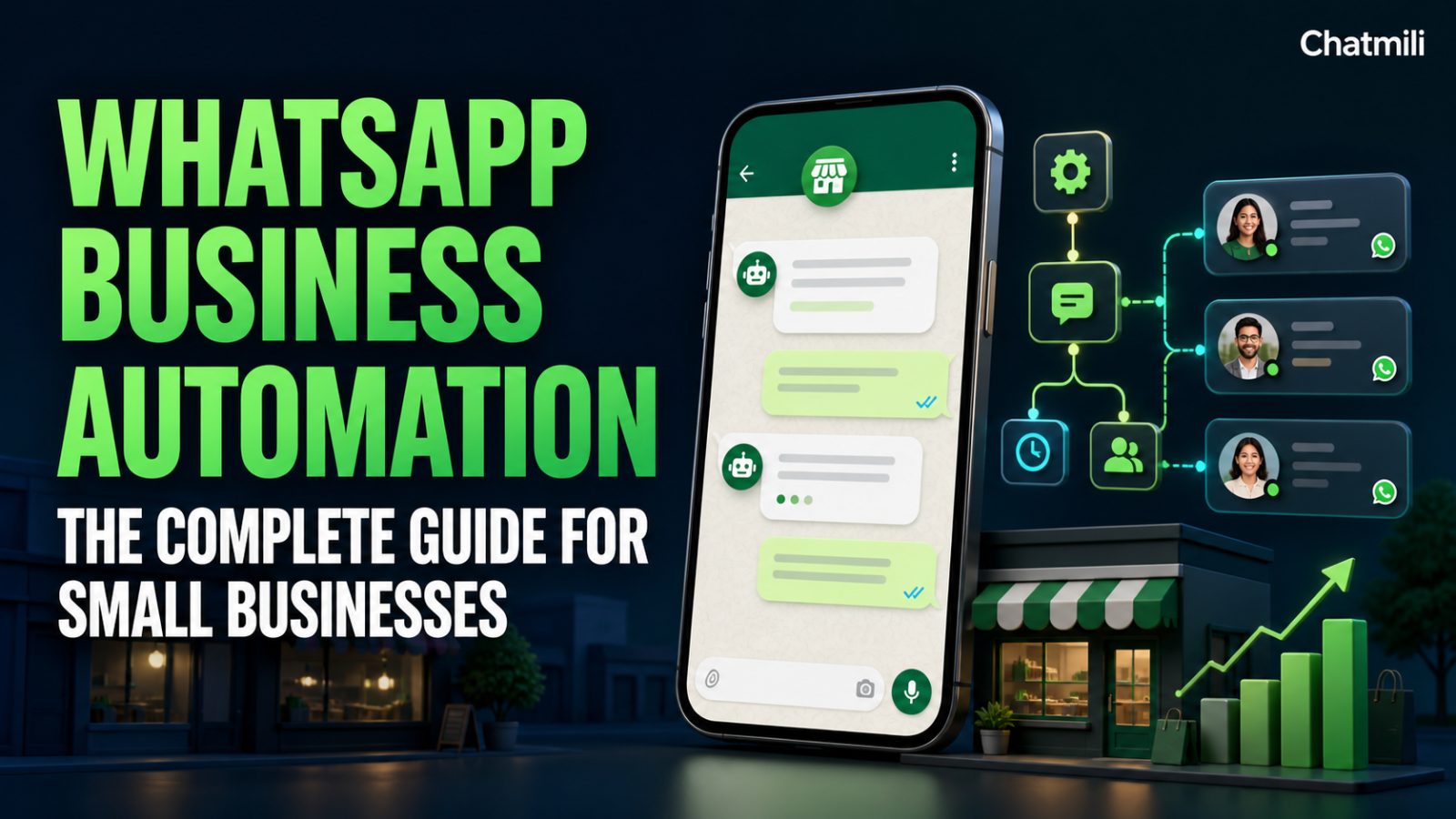
For millions of small businesses, WhatsApp isn't a nice-to-have channel — it's the primary way customers reach out. Which also makes it the channel where a missed or slow reply hurts the most.
Why WhatsApp is different from other channels
WhatsApp messages carry an expectation of speed that email never had. A customer messaging you on WhatsApp usually expects a human-feeling reply within minutes, not hours. That expectation is exactly why WhatsApp automation has become one of the highest-impact places to start with an AI receptionist.
What WhatsApp automation actually does
A properly set up AI on WhatsApp can:
- Answer instantly, any time of day, using your business's actual information
- Book appointments directly by checking your calendar's real availability
- Qualify a lead by asking a few smart follow-up questions before a human is looped in
- Search products and take simple orders, if you sell online
- Escalate to a real person the moment a conversation needs human judgment — with the full chat history handed off, so your team never asks a customer to repeat themselves
Because the same conversation could start on WhatsApp and finish over email, this works best as part of a broader omnichannel setup rather than WhatsApp alone.
Setting it up: what you'll actually need
Connecting WhatsApp business automation typically requires:
- A WhatsApp Business phone number (can't already be tied to a personal WhatsApp account)
- Access credentials from Meta's WhatsApp Business Platform
- A knowledge base — your FAQs, pricing, policies, and hours — for the AI to answer from
- A clear decision about when to hand off to a human (a request for a refund, a complaint, anything outside your AI's knowledge)
Most modern platforms, including ChatMili, walk you through this connection step by step from a single Connections page, without needing a developer.
Common mistakes to avoid
Turning it on without a knowledge base. An AI with nothing to reference will either make things up or constantly say "I don't know." Upload your real FAQs, price list, and policies before going live.
No escalation path. Every AI needs a clear way to hand a conversation to a human — for complaints, refund requests, or anything sensitive. Make sure that's configured before launch, not after a bad experience.
Only using it for answers, never for booking. If your business takes appointments, connecting a calendar so the AI can book directly is where most of the time savings comes from — not just answering questions.
Is it right for your business?
If a meaningful share of your customer messages already arrive on WhatsApp, automating even the first response — the "we got your message, here's an instant answer" — pays for itself quickly in faster replies and fewer missed leads.
Ready to see it in action? Compare ChatMili's plans or read how 24/7 support without hiring a night shift actually works in practice.