How to Automate Appointment Booking With an AI Assistant
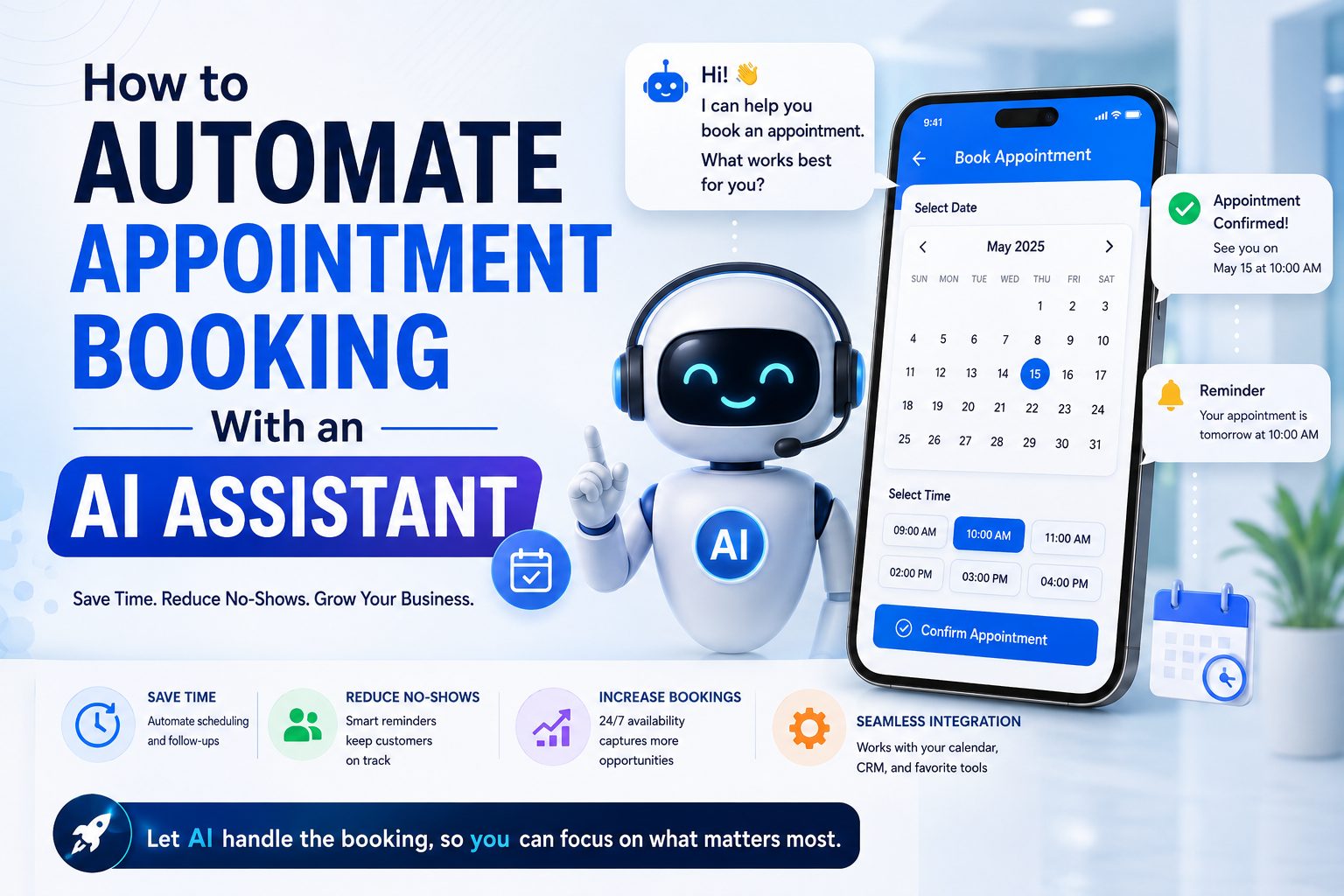
"What times do you have this week?" is one of the most common messages a service business receives — and one of the most tedious to answer manually, especially when it takes three or four messages to land on a time that actually works.
How AI appointment booking actually works
A well-built AI assistant connects directly to your real calendar (commonly Google Calendar or Apple Calendar) and can:
- Check real availability — not a static list of "usual hours," but your actual open slots right now
- Suggest specific times in the same message, instead of asking the customer to propose a time first
- Book the appointment directly once the customer confirms, writing it straight into your calendar
- Handle rescheduling the same way, without a human needing to manually move anything
The entire exchange can happen in a single conversation, on whichever channel the customer already messaged you on — website chat, WhatsApp, or elsewhere.
Why this matters more than it seems
Booking friction is a silent lead-killer. Every extra back-and-forth message is a chance for the customer to get distracted, message a competitor, or simply lose interest. Cutting a five-message booking process down to two messages measurably increases how many conversations actually convert into a booked appointment.
It also removes a real operational cost: someone on your team manually checking a calendar and typing out available times, dozens of times a week.
Setting it up correctly
Connect a real calendar. The AI can only book against a calendar it can actually see — connecting your existing Google or Apple Calendar means it always reflects your true availability, including appointments booked outside the chat.
Define your actual booking rules. Buffer time between appointments, which services take how long, which days you're closed — these all need to be clear so the AI doesn't offer times that don't actually work for you.
Decide what needs human confirmation. Some businesses want every AI-booked appointment auto-confirmed; others want a staff member to glance over same-day bookings. Either can work — just be intentional about it.
Test it as a customer would. Before going live, message your own AI assistant and try booking a real appointment, including asking to reschedule. This catches confusing spots before a real customer hits them.
Where this fits with lead qualification
Appointment booking pairs naturally with lead qualification — for example, a real estate agency's AI might ask a few questions about budget and timeline before offering to book a viewing, so the team only shows up to appointments with serious buyers.
Ready to stop losing bookings to slow back-and-forth? See how ChatMili handles appointment booking, or read our guide on why response time matters so much.